To generate a Remote Fill location report, follow these steps. Let's look at the steps:
Step 1: Open Remote Fill Location Report
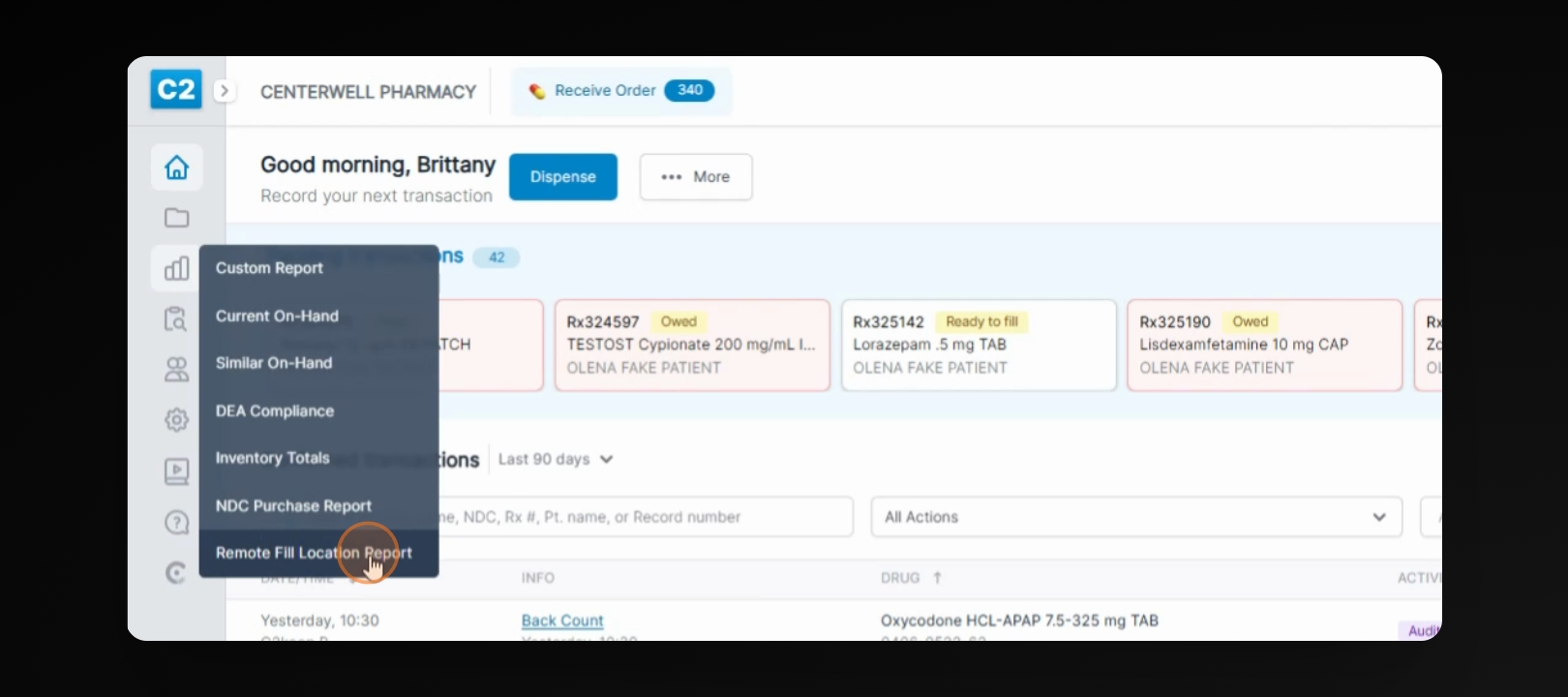
On the left side of your screen, go to Reports and select Remote Fill location report.
Step 2: Fill Out Fields and Run Report
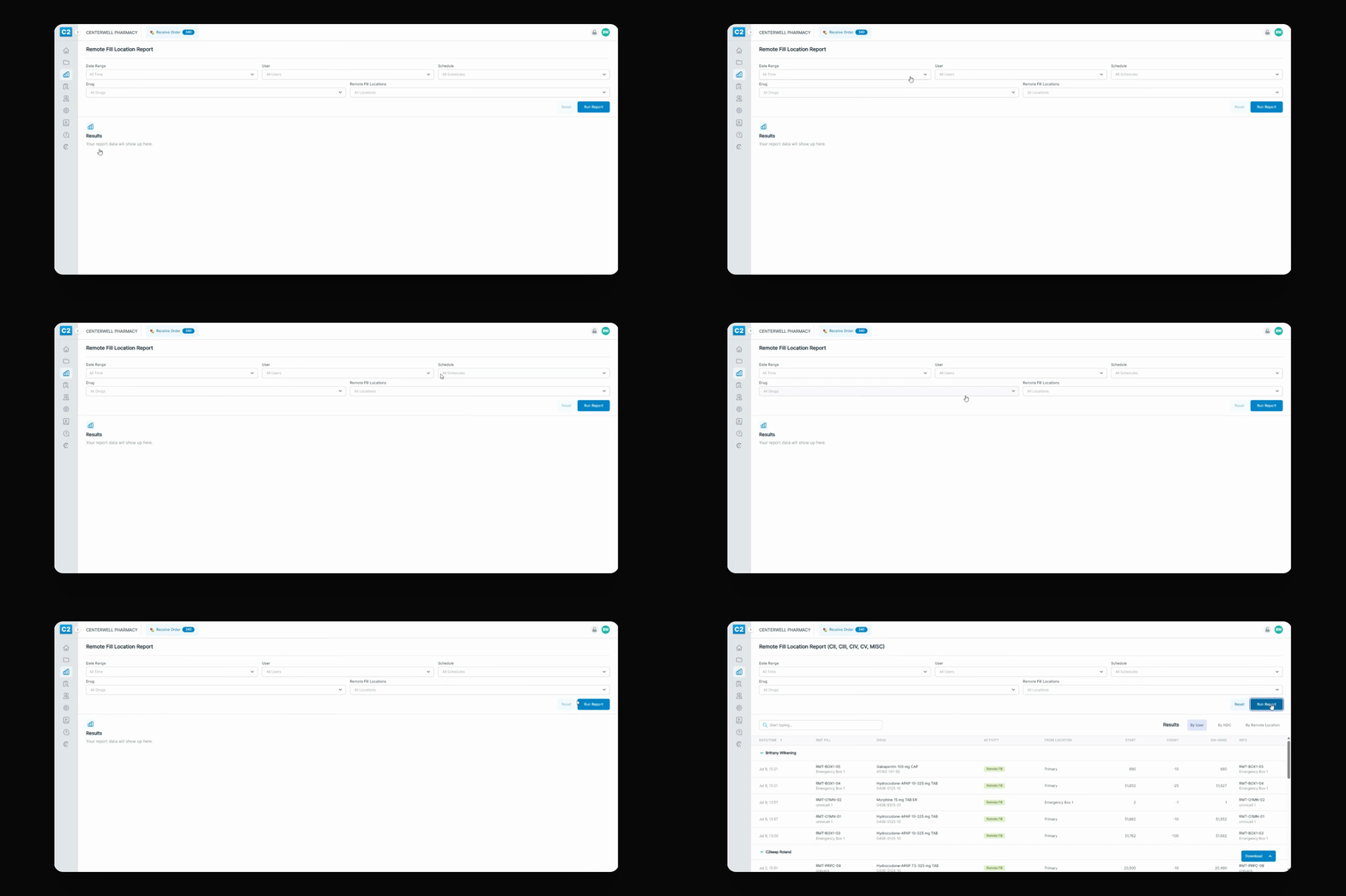
Fill out the desired fields in the report form, then press Run report to generate the results.
Step 3: Filter and Download Report
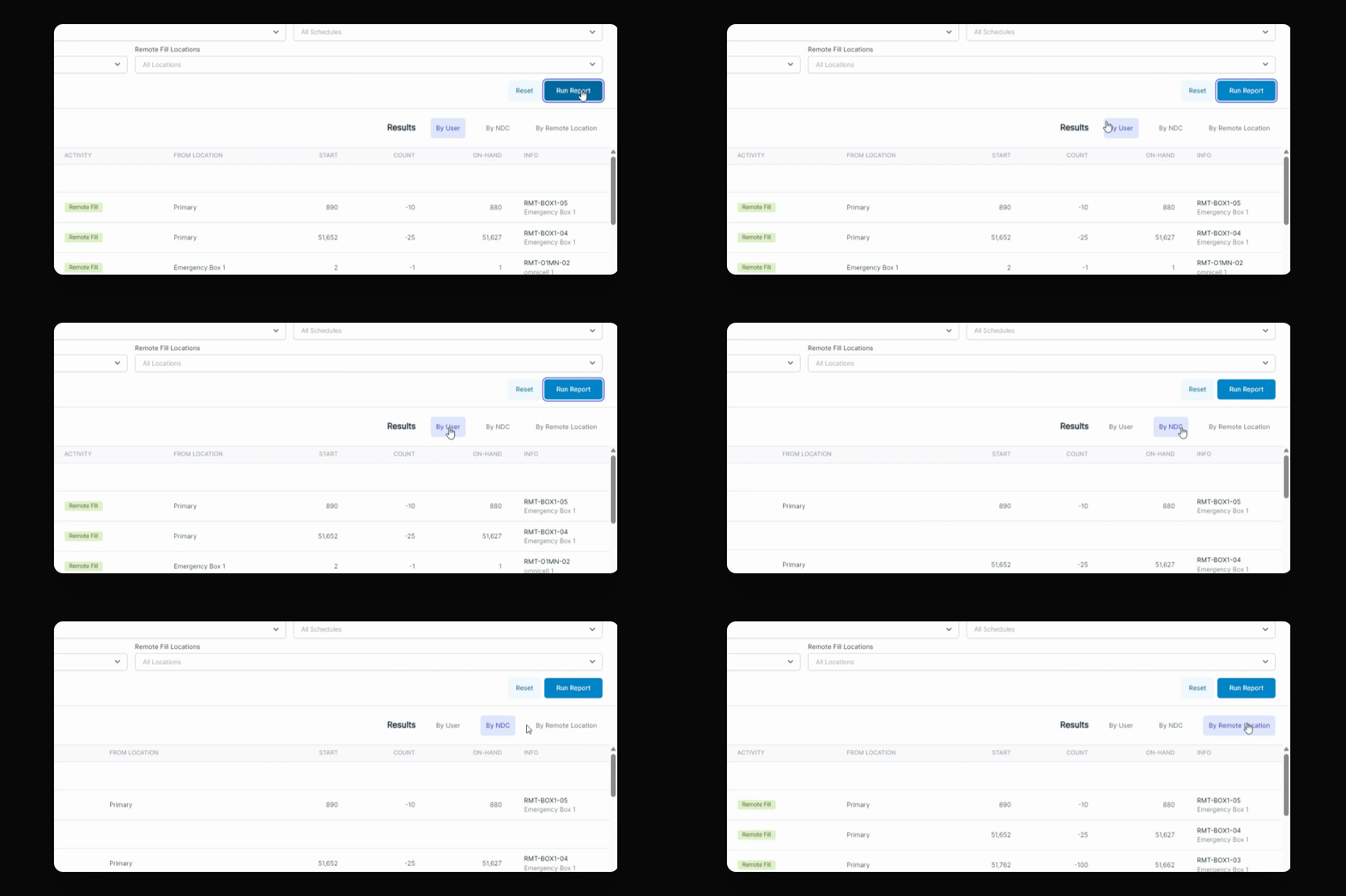
You can filter the report by User, NDC or Remote Location