

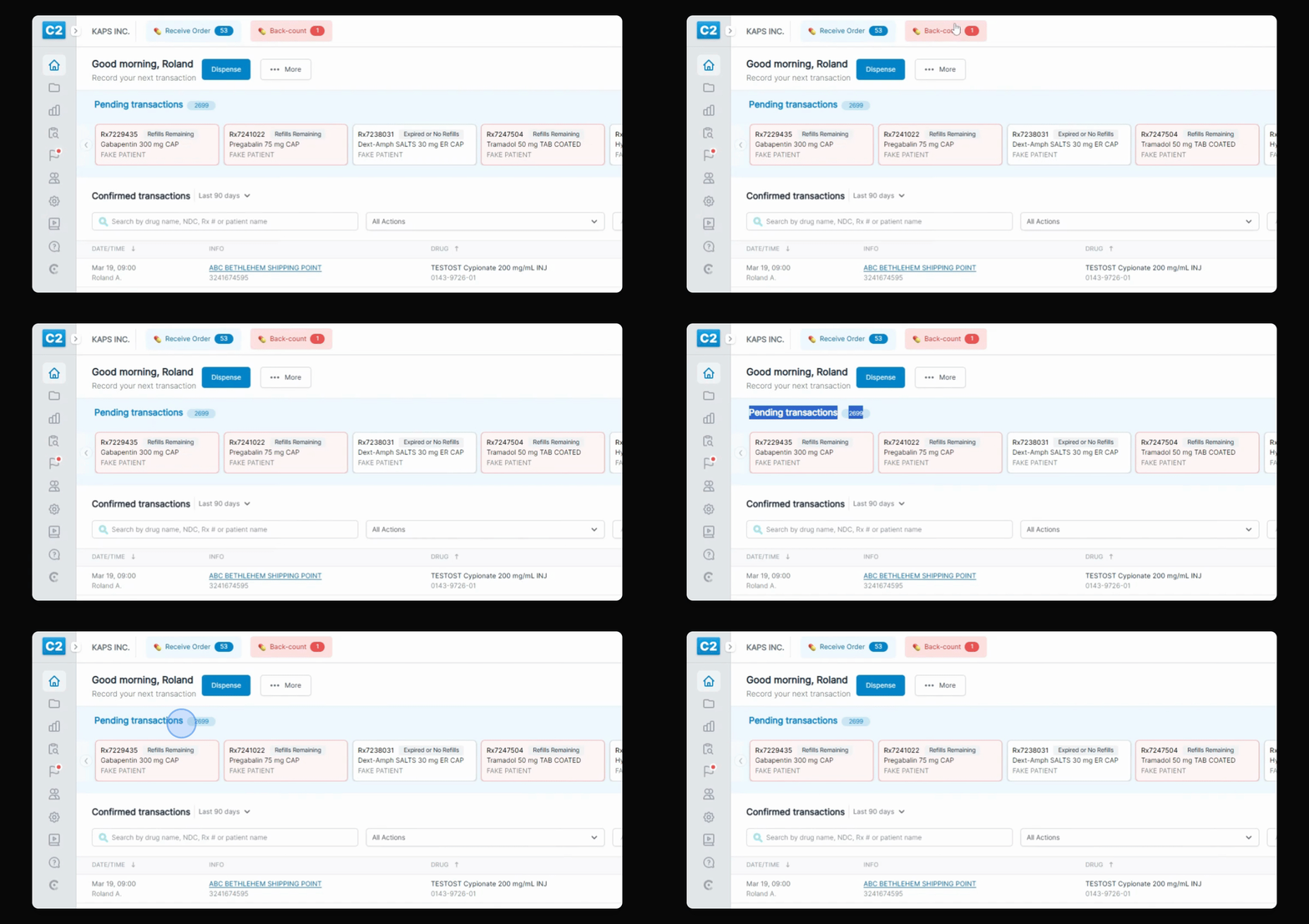
The user interface for C2 Keep has been redesigned to allow you to see up to 40% more pending transactions and up to 100% more confirmed transactions. Let's look at the steps:
Step 1: Switch to Large View
Click on your initials, navigate to interface scale, and choose Large. Enter your pin.
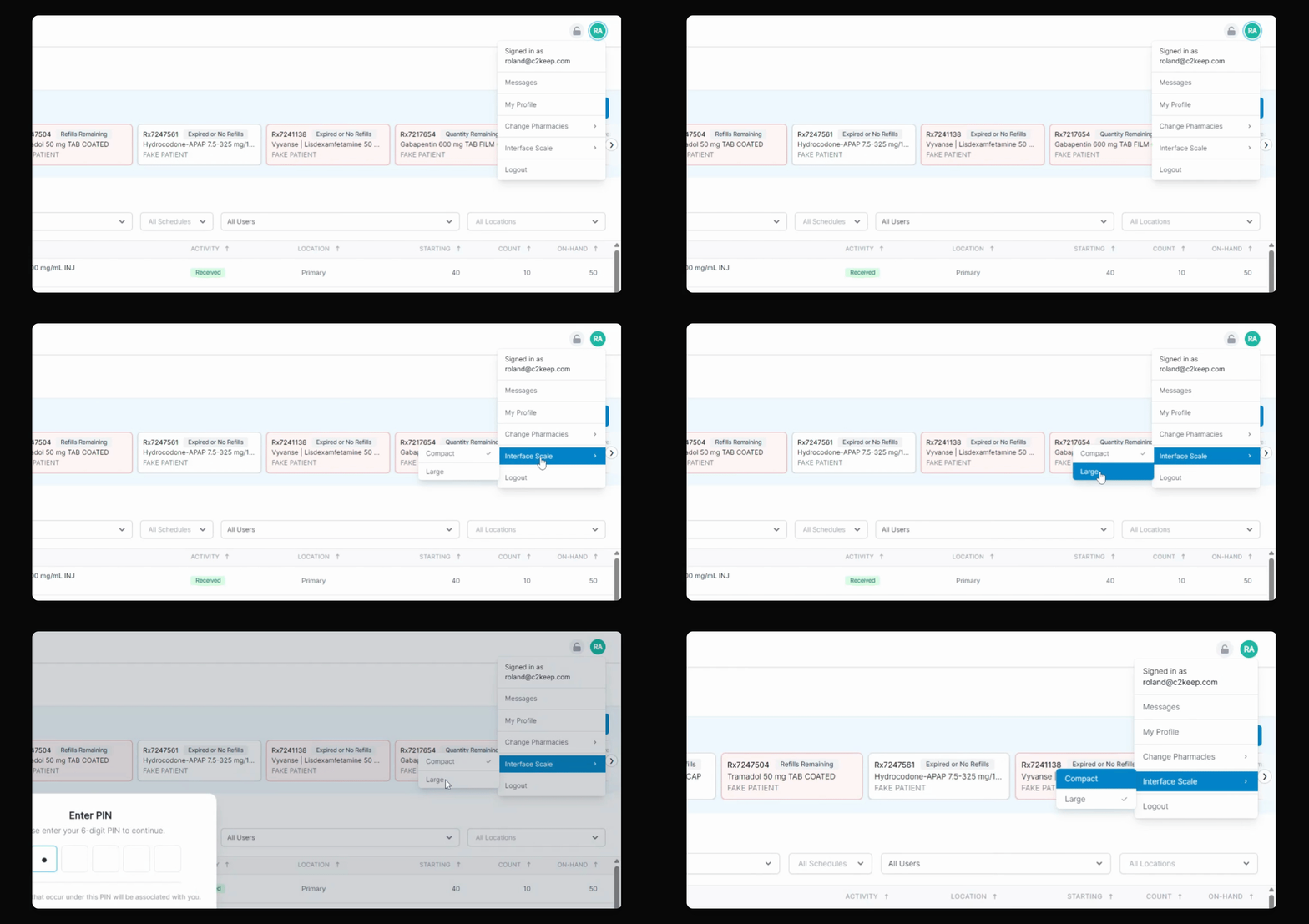
This is the more familiar Large View with less view options, but you can switch back to the more Compact view in the same process.
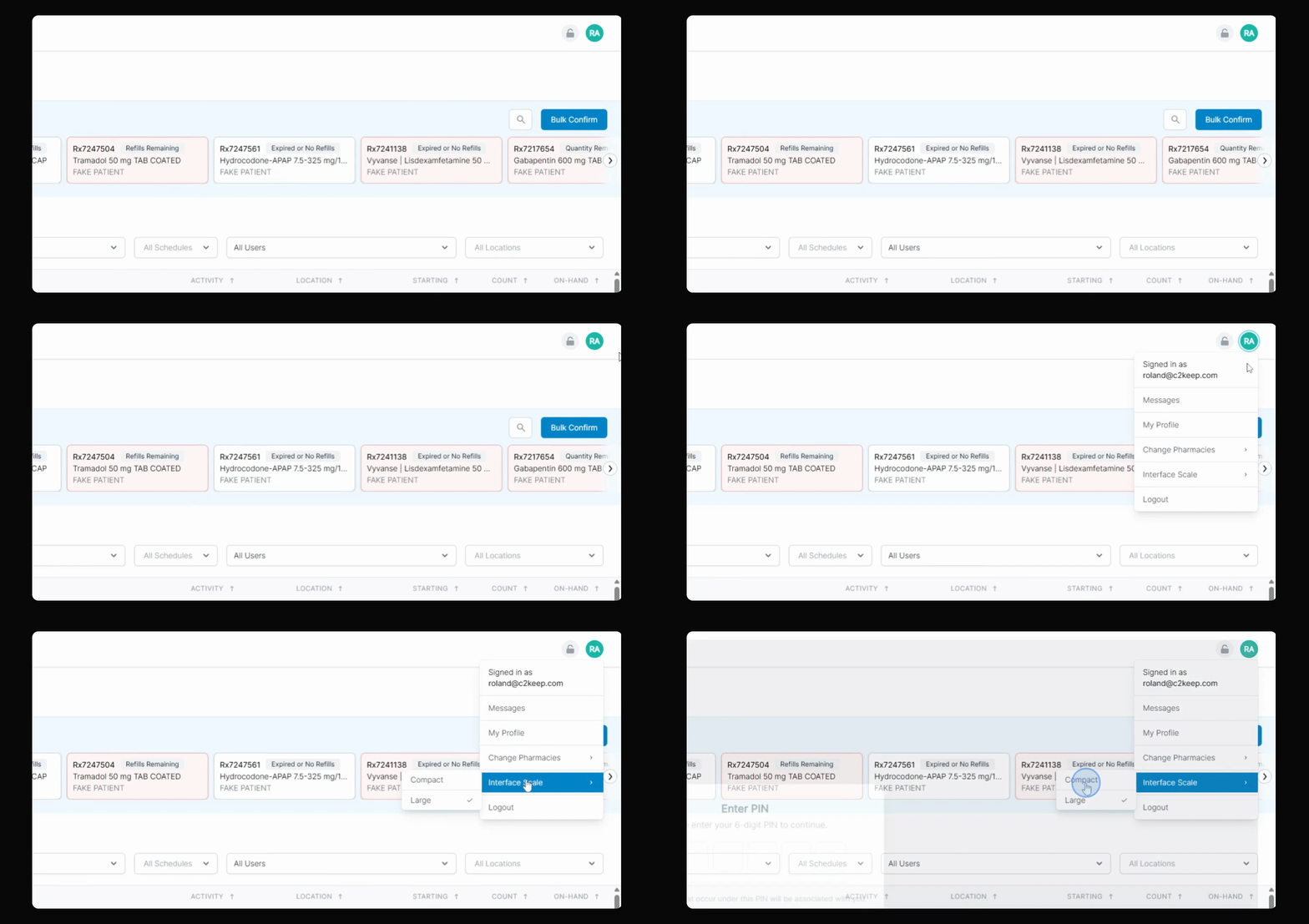
The Compact View is the new Default view, which lets you see way more on the dashboard and throughout the application.