

This tutorial will go over how to log into your C2 keep account with the new two factor authentication. Let's look at the steps:
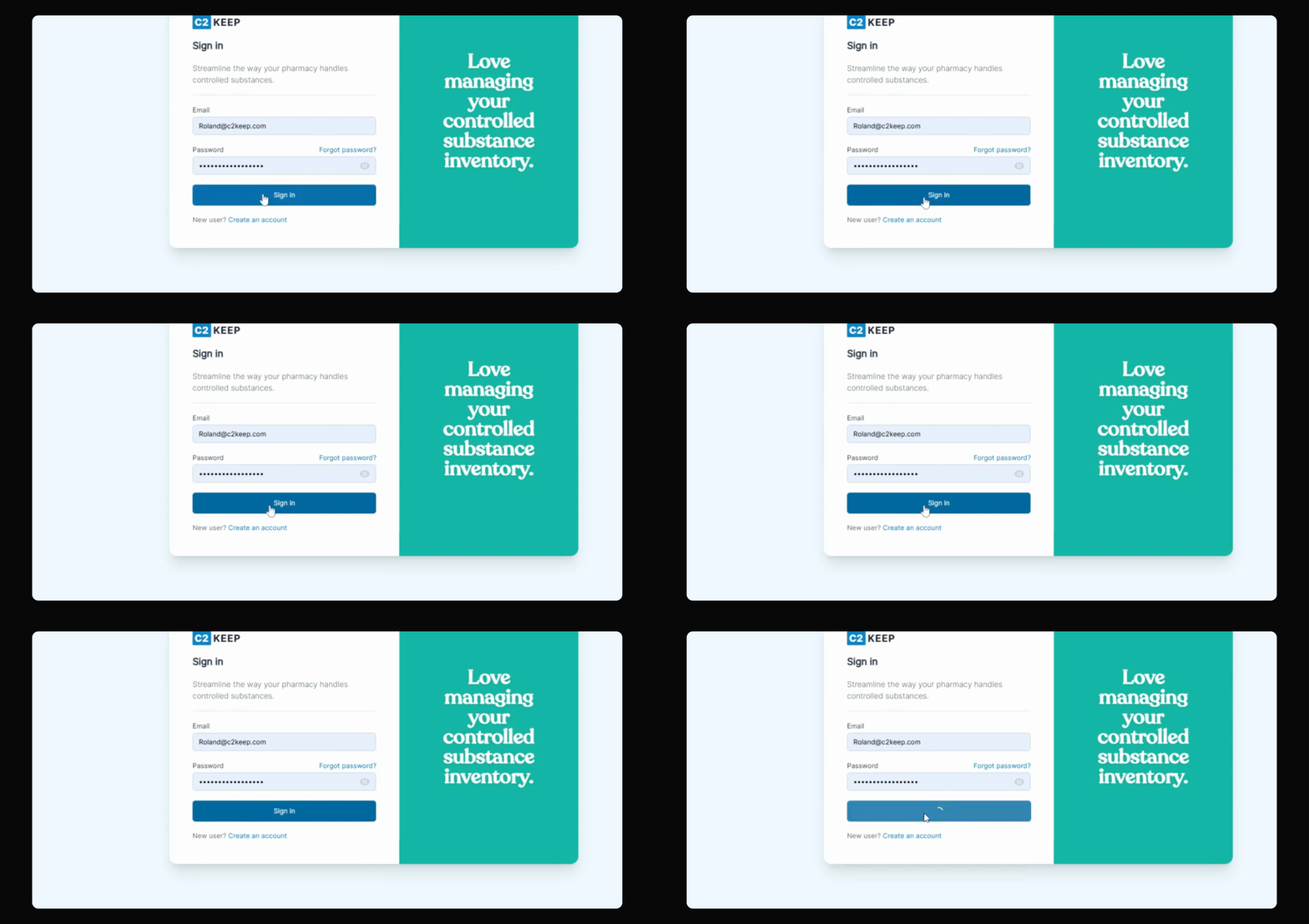
Step 1: Enter Credentials
Begin by entering your username and password, then hit Sign in.
Step 2: Retrieve OTP
The system will automatically send you a one time password to your email, which you can copy and paste.
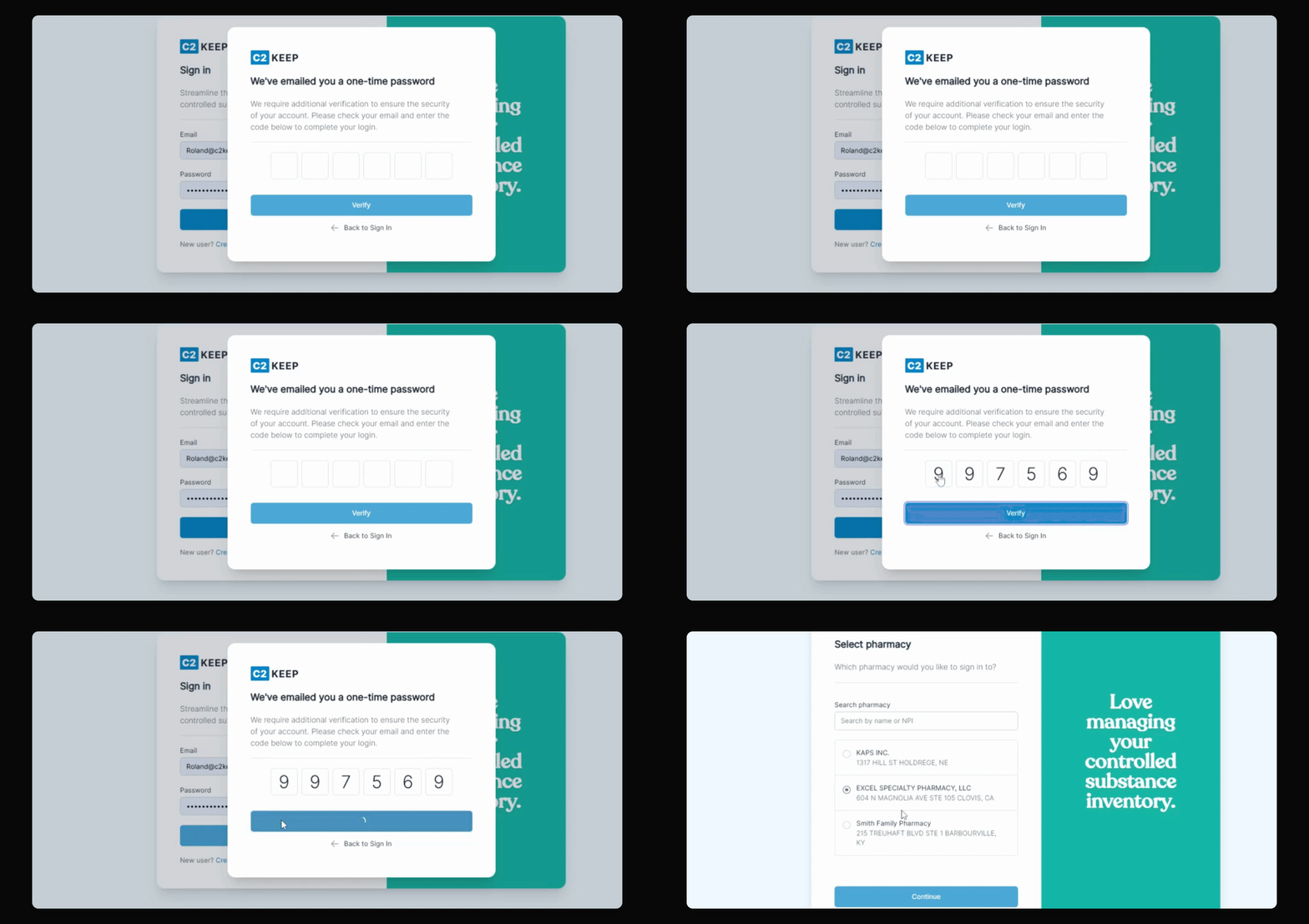
Step 3: Verify OTP
Hit Verify and then you'll be able to sign in.
Step 4: Select Pharmacy
From there you can pick the pharmacy you wish to log into.