Tutorials and Guides

Make the most of C2 Keep with tutorials

How to Quickly Find the Right Pharmacy when Logging in

Account Creation and Access

How to Quickly Find the Right Pharmacy when Logging in

Select your desired pharmacy quickly using the search feature.

Last updated on 25 Mar, 2026

Our new search feature allows you to easily select a pharmacy when you log into your account.

Step 1: Log In

Log into your account to view available pharmacies.

Step 2: Use Search

Filter pharmacies by typing in the Search Pharmacy field.
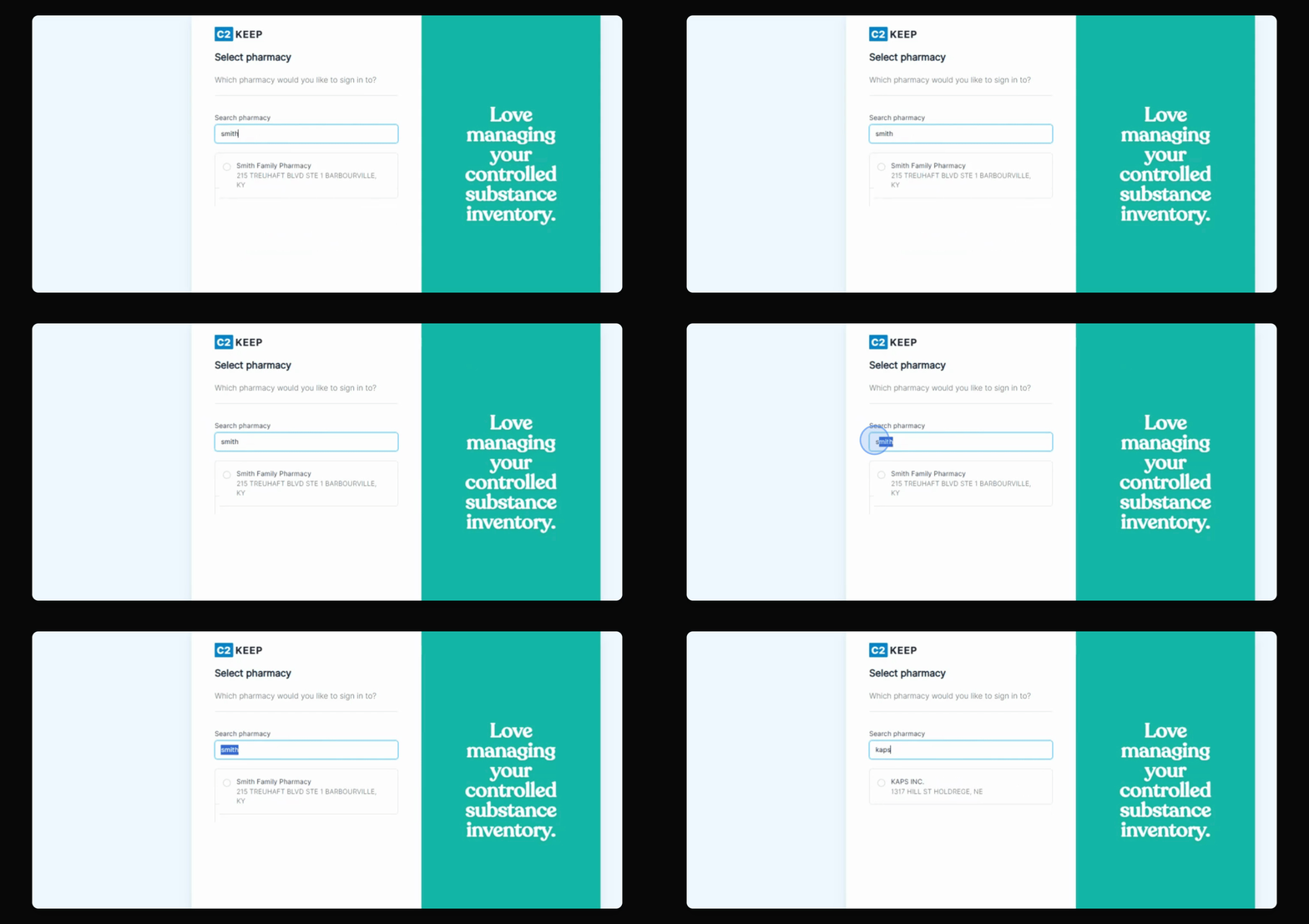
Snapshot

Step 3: Select Pharmacy

Select the pharmacy you wish to log into and hit Continue.

After hitting Continue, you will be able to access the selected pharmacy easily.
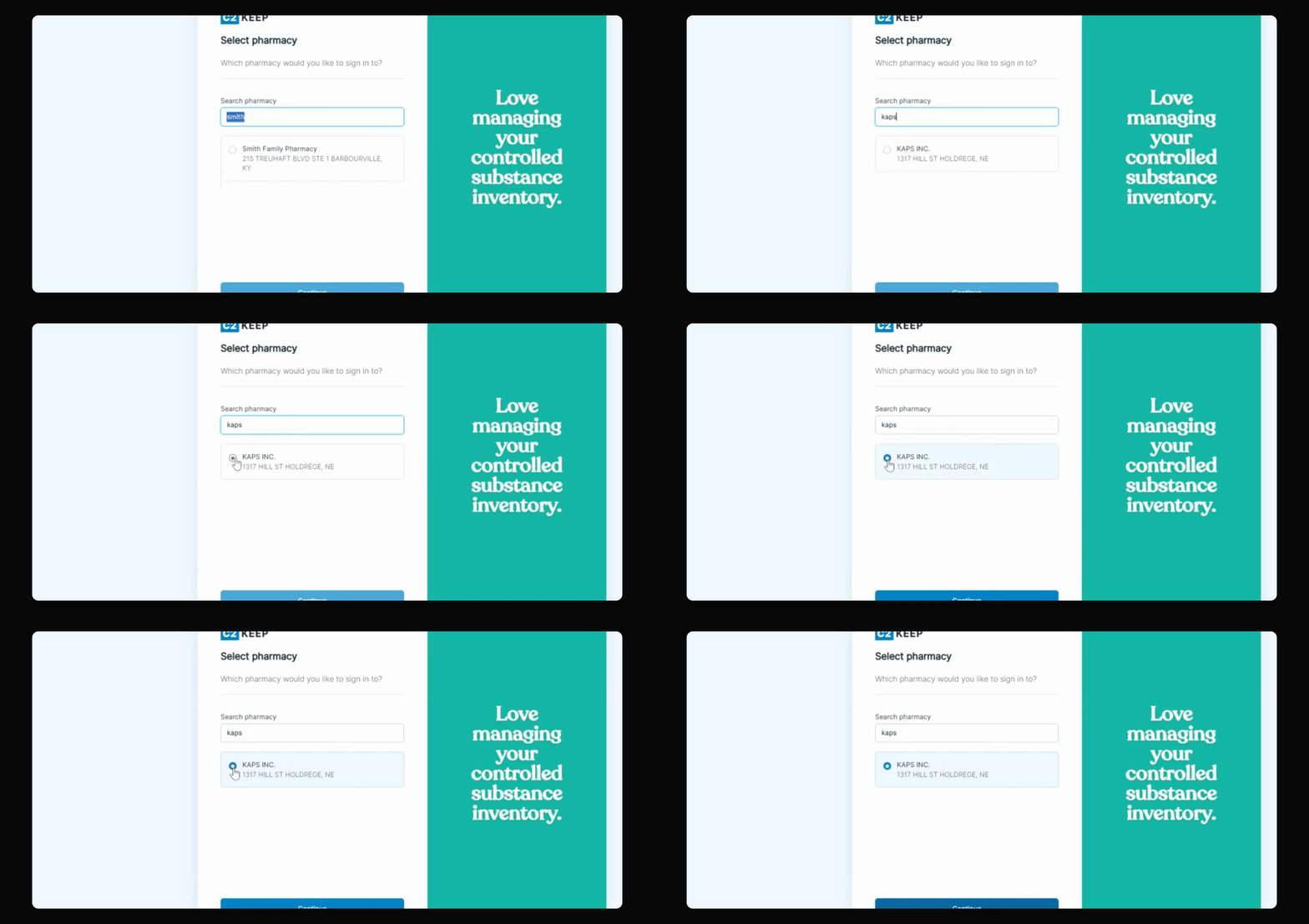
Snapshot

Did you find this helpful?
Previous

How to Log Into the C2 Keep App with 2 FA

Next

Powered by InstantDocs