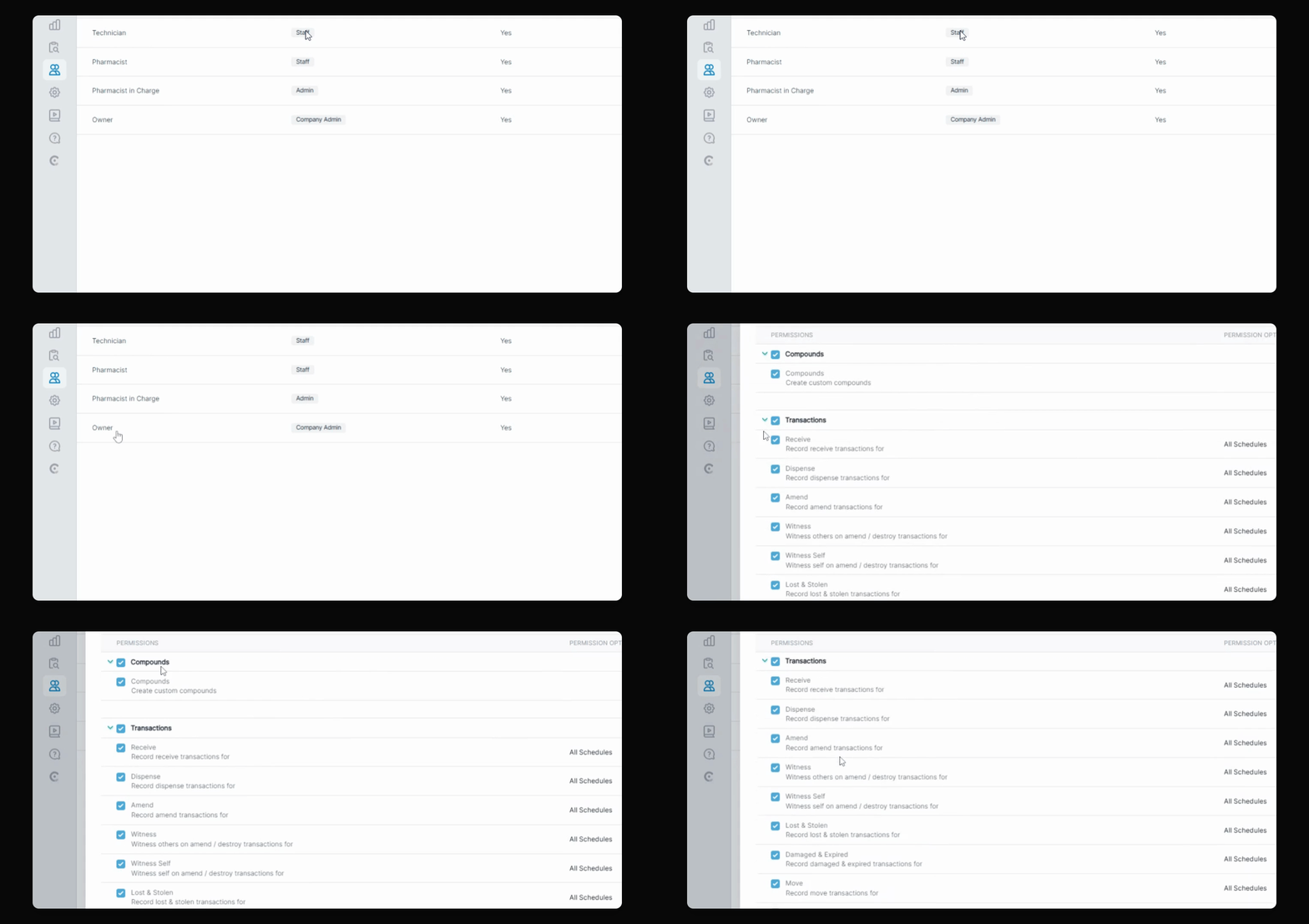
This video discusses user permissions and access rights under the Teammates section of C2 Keep.
You will see the new user role permissions that dictate access rights assigned to staff members in your pharmacy account.
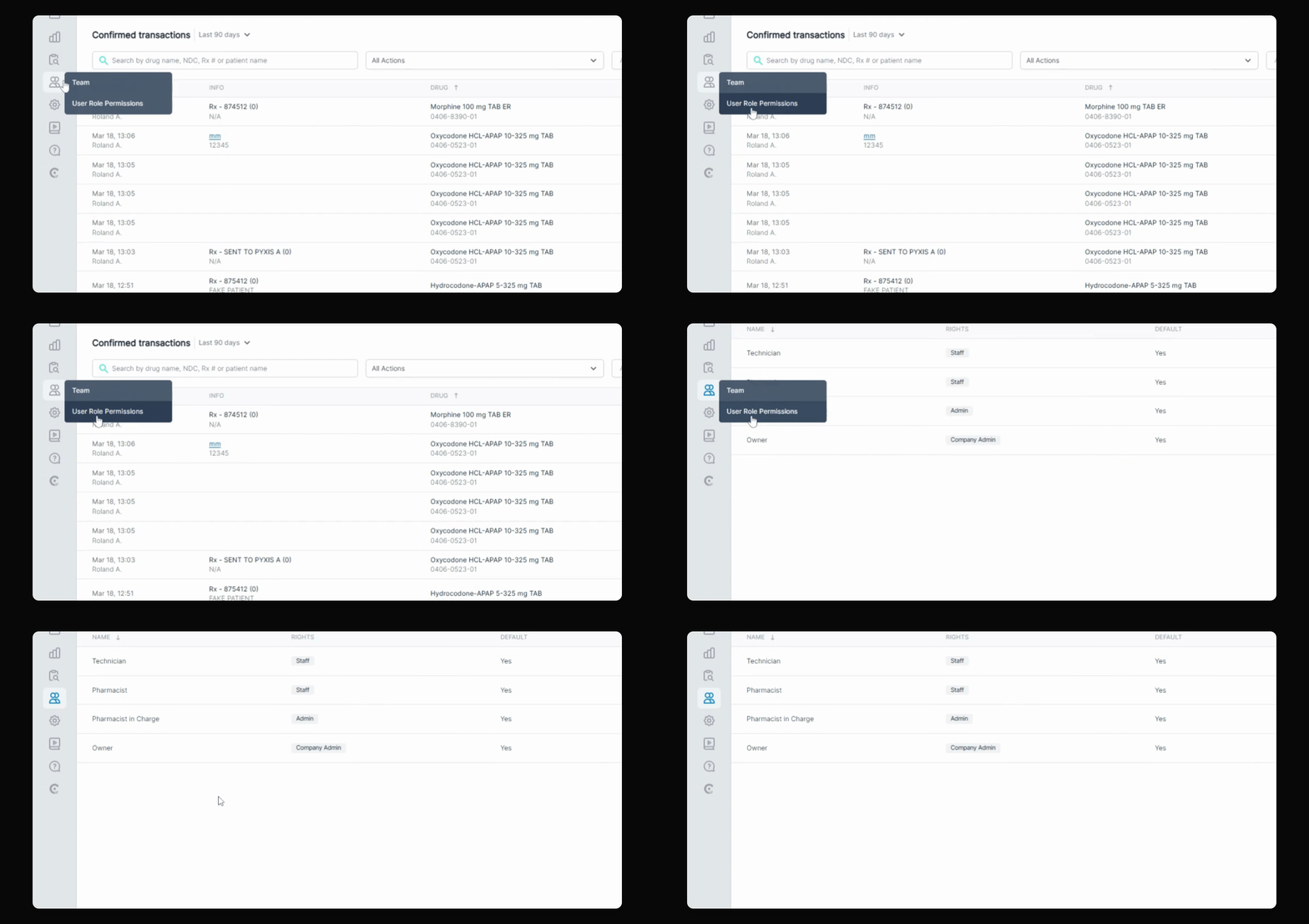
By default, there are four user role permissions: Technician, Pharmacist, Pharmacist-in-charge, and Owner.
Each role has specific rights, with diminishing access controls. The Owner has full access, while the Pharmacist-in-charge acts as an admin but cannot modify pharmacy accounts.
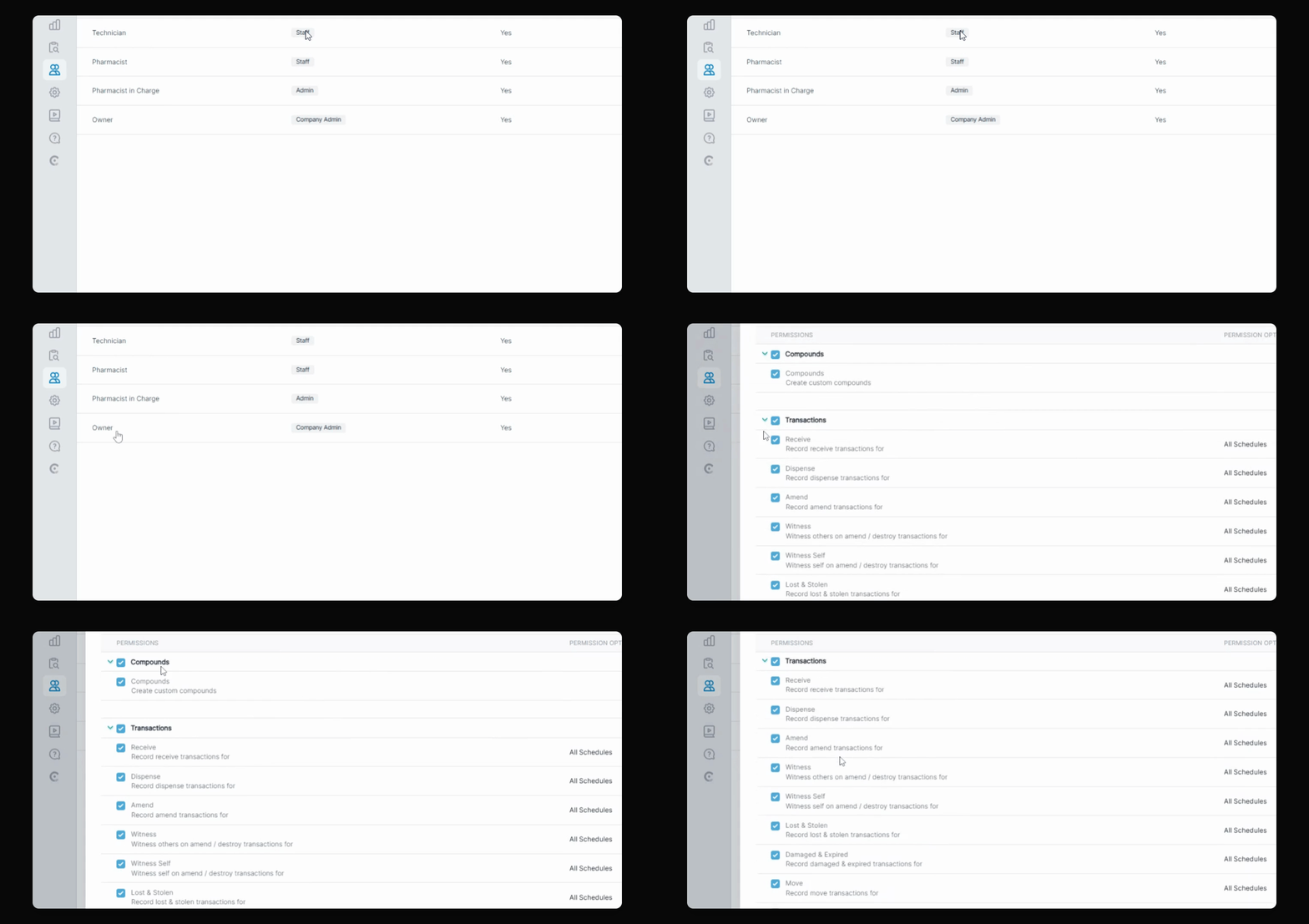
The pharmacist and technician roles are staff positions with myriad limitations.
These are the default user role permissions available in C2 Keep for your pharmacy invitations.