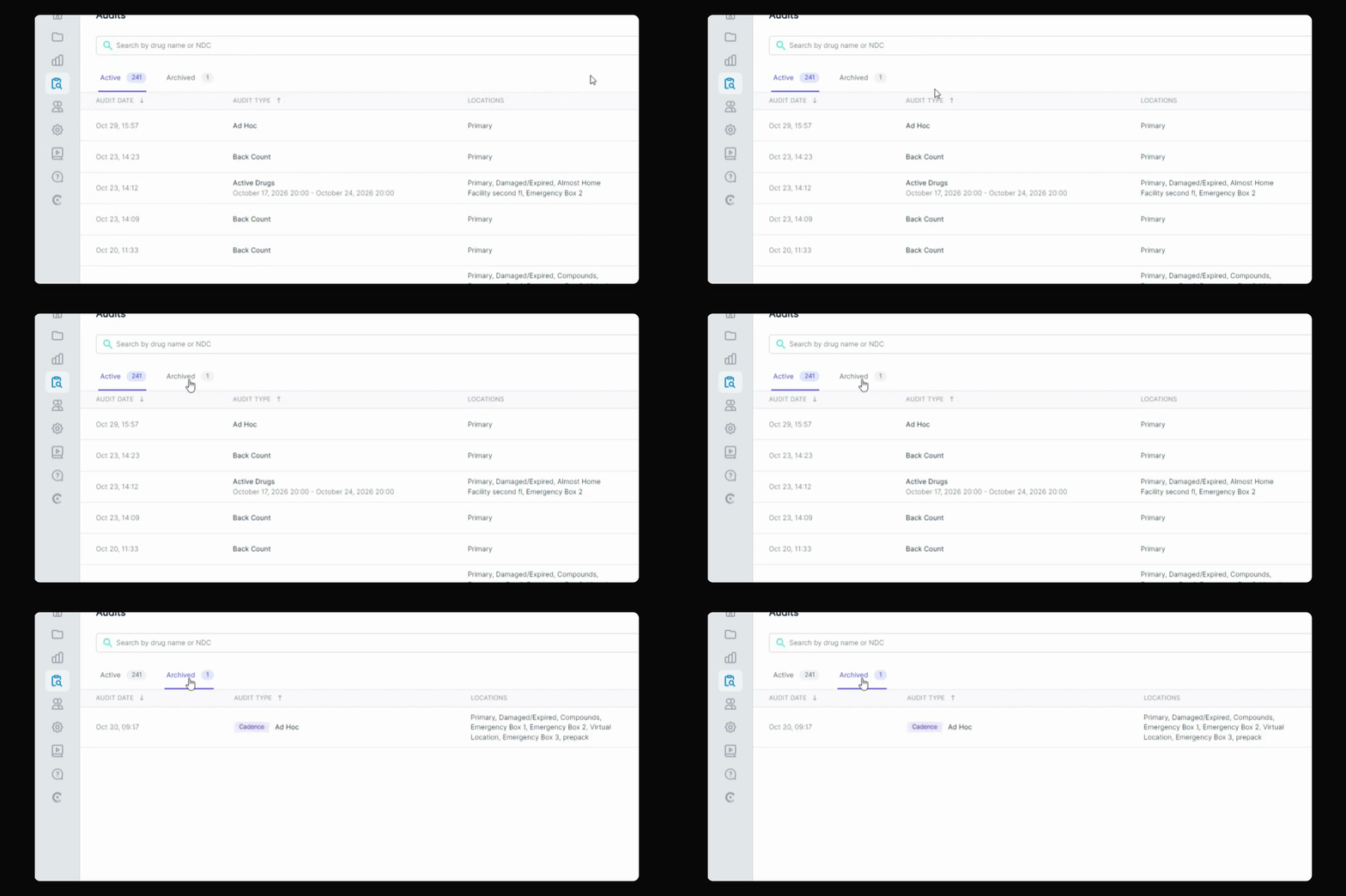
This guide explains how to archive an audit cadence that is not yet completed. Let's look at the steps:
Step 1: Go to Audits Tab
Navigate to your Audits tab in the application.
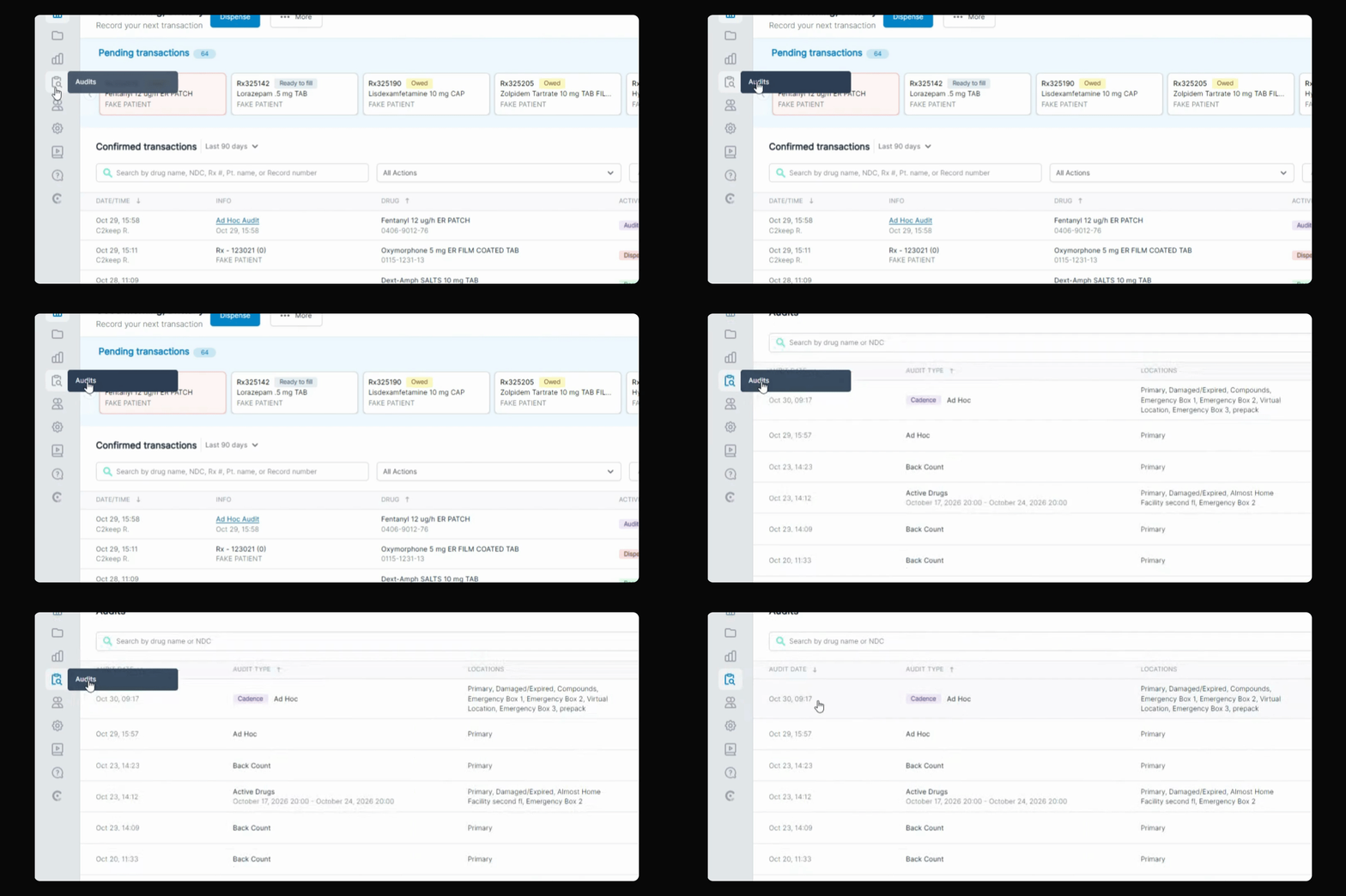
Step 2: Locate In-Progress Cadence
Find the audit cadence that is still in progress.
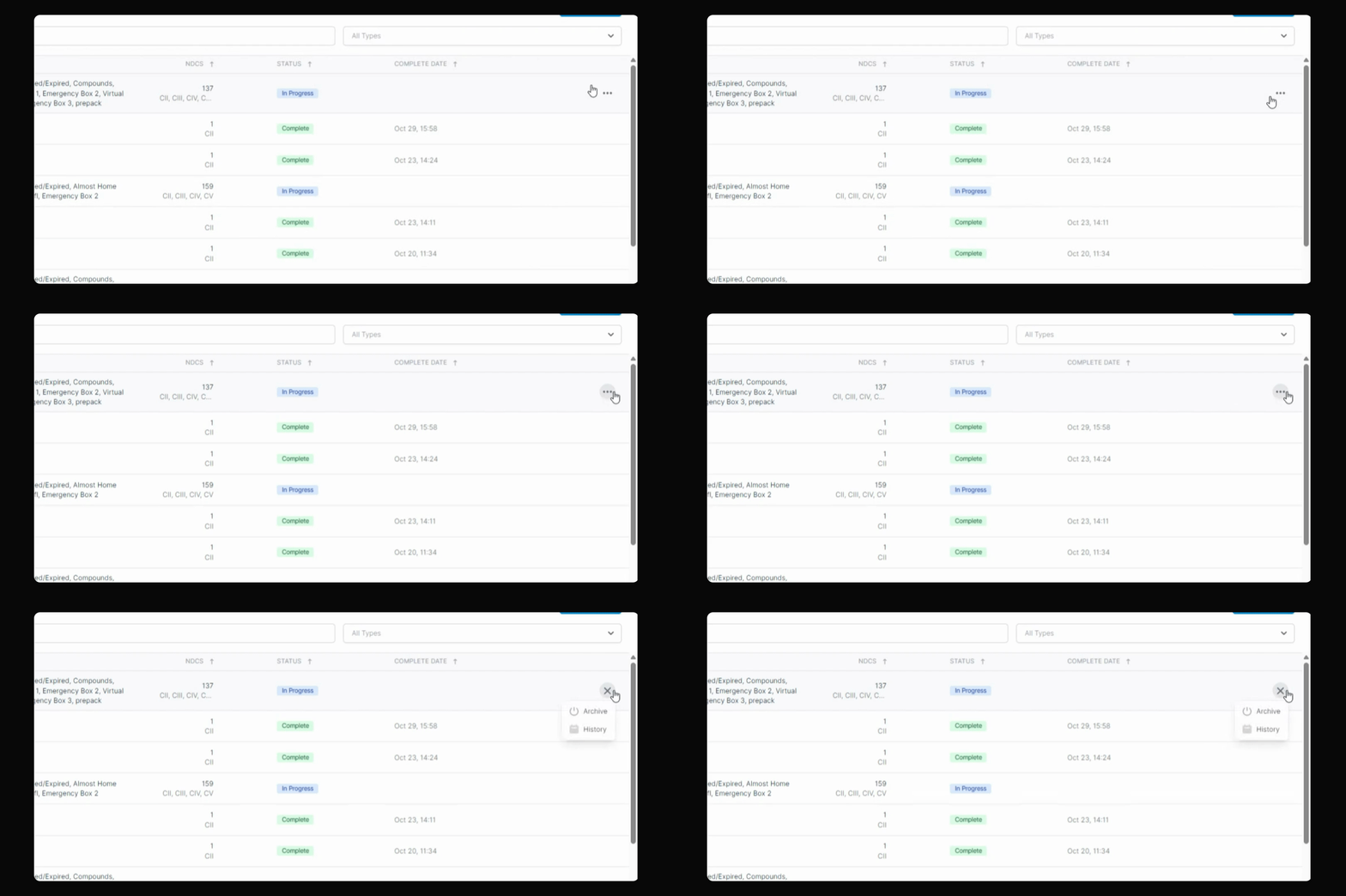
Step 3: Archive the Cadence
Check the status, then click the three buttons on the right side of the screen and select Archive.
Step 4: Confirm with PIN
Enter your 6-digit PIN to confirm the archiving action.
The archived audit cadence will now appear in your Archive tab for future reference.