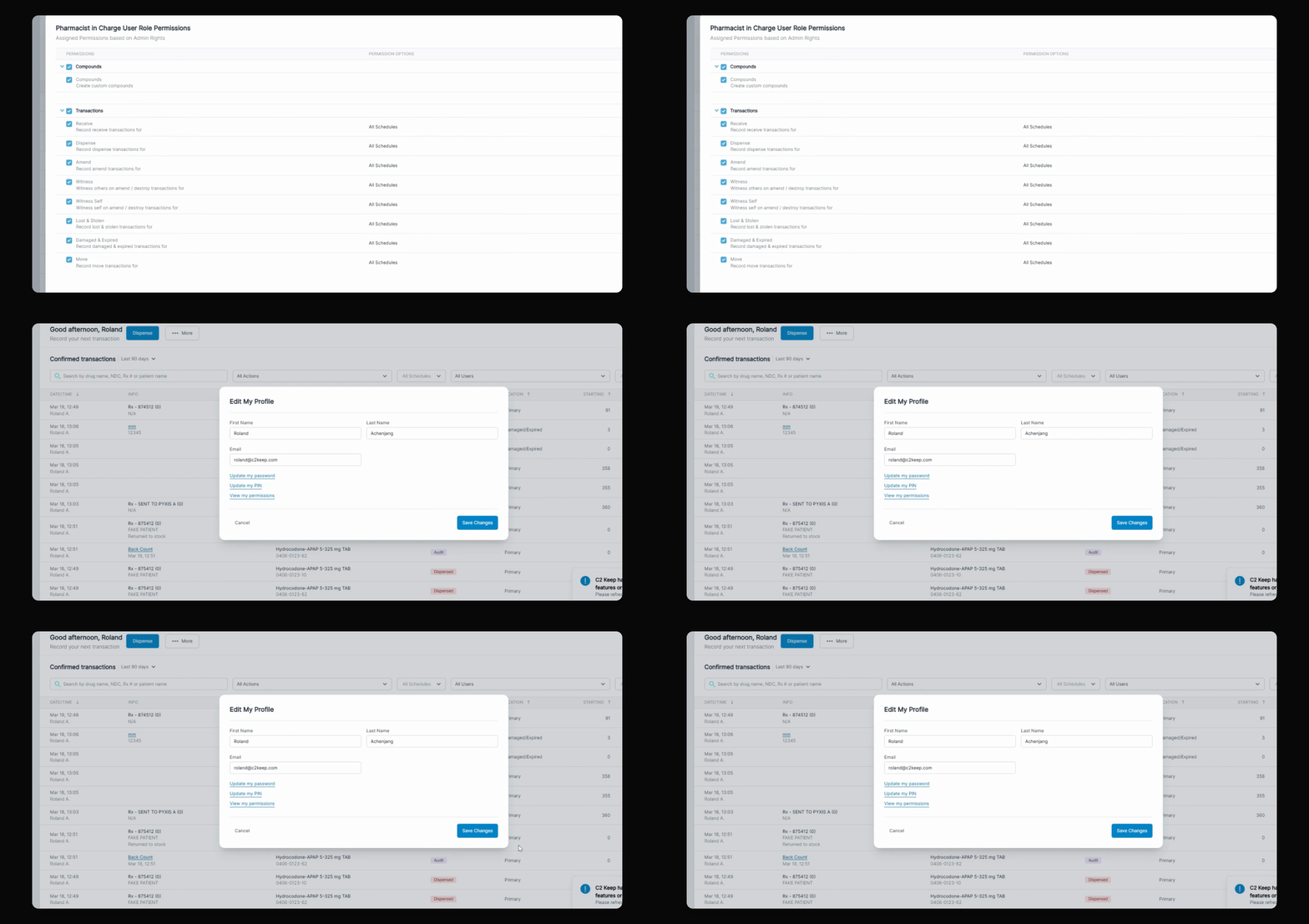
This tutorial will go over how to identify your own user permissions and look at the access that has been granted to you by your admin. Let's look at the steps:
Step 1: Log In
Log in to your account.
Step 2: Access Profile
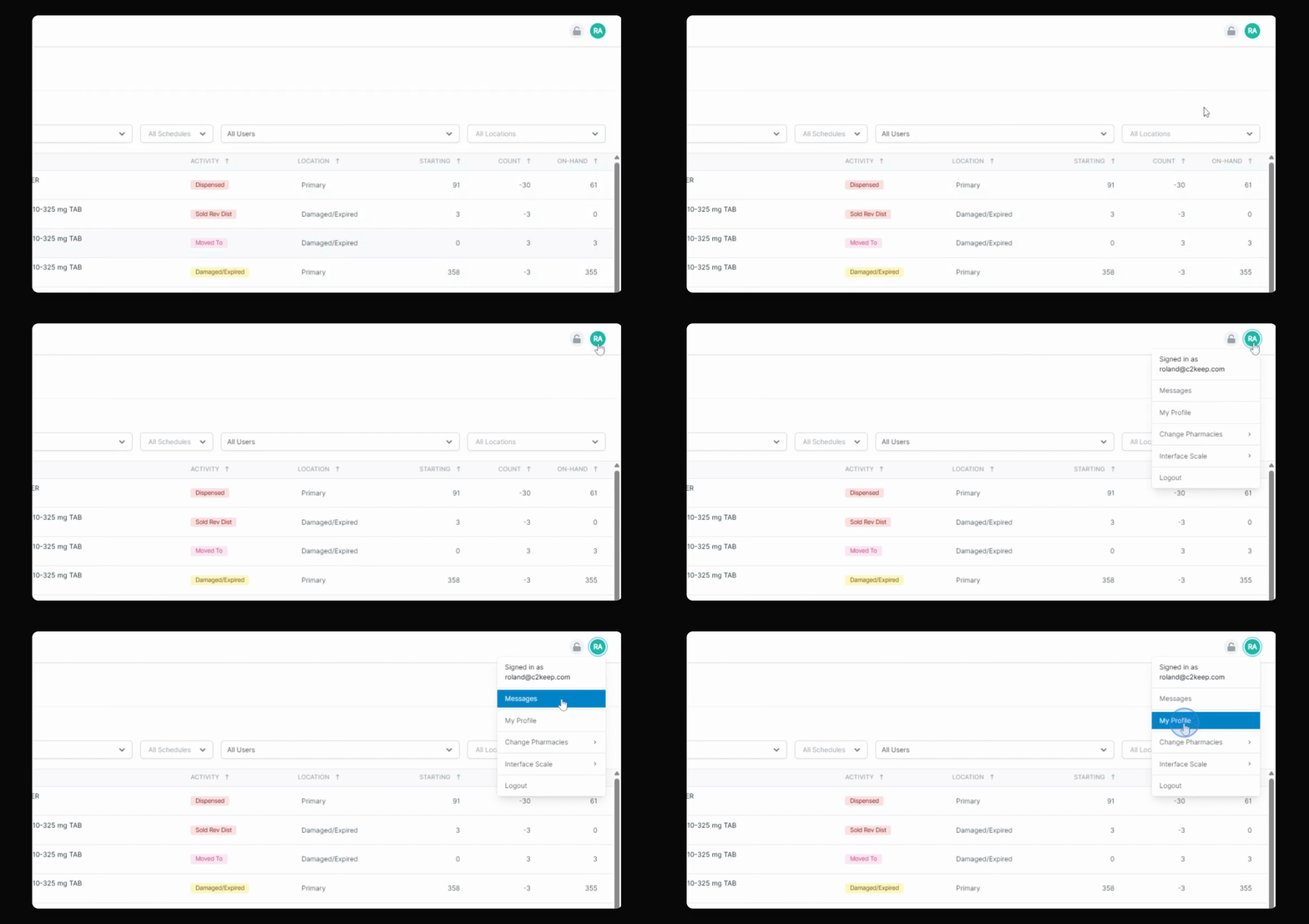
Under your initials, click My Profile, then click View My Permissions to see your current permissions.
In this case, you can see what kind of access you have based on your user role permissions assigned by the admin.
You cannot modify your own rights; you will need to get an admin to do that.