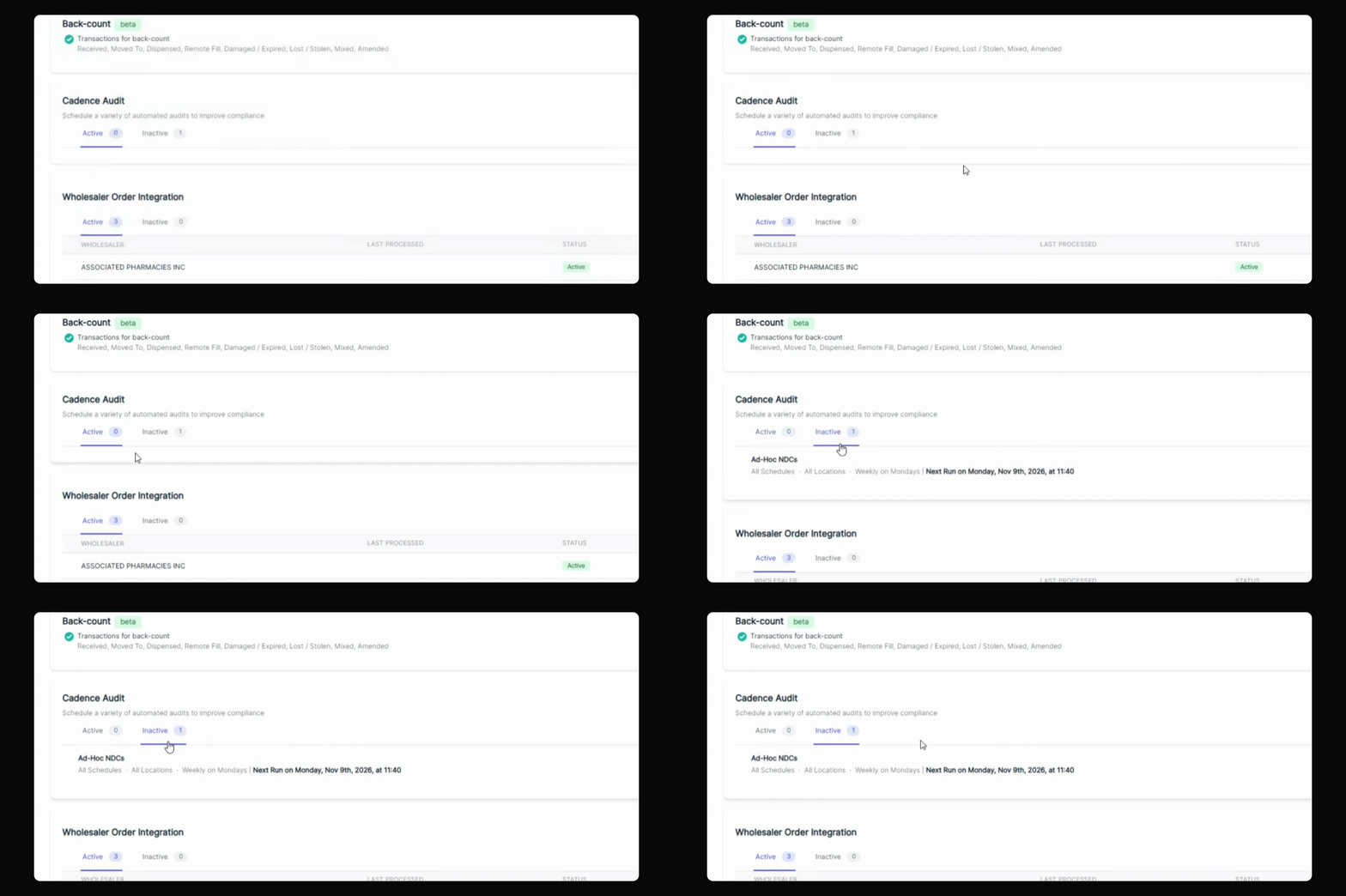
This tutorial explains how to make an active cadence audit inactive in your settings. Let's look at the steps:
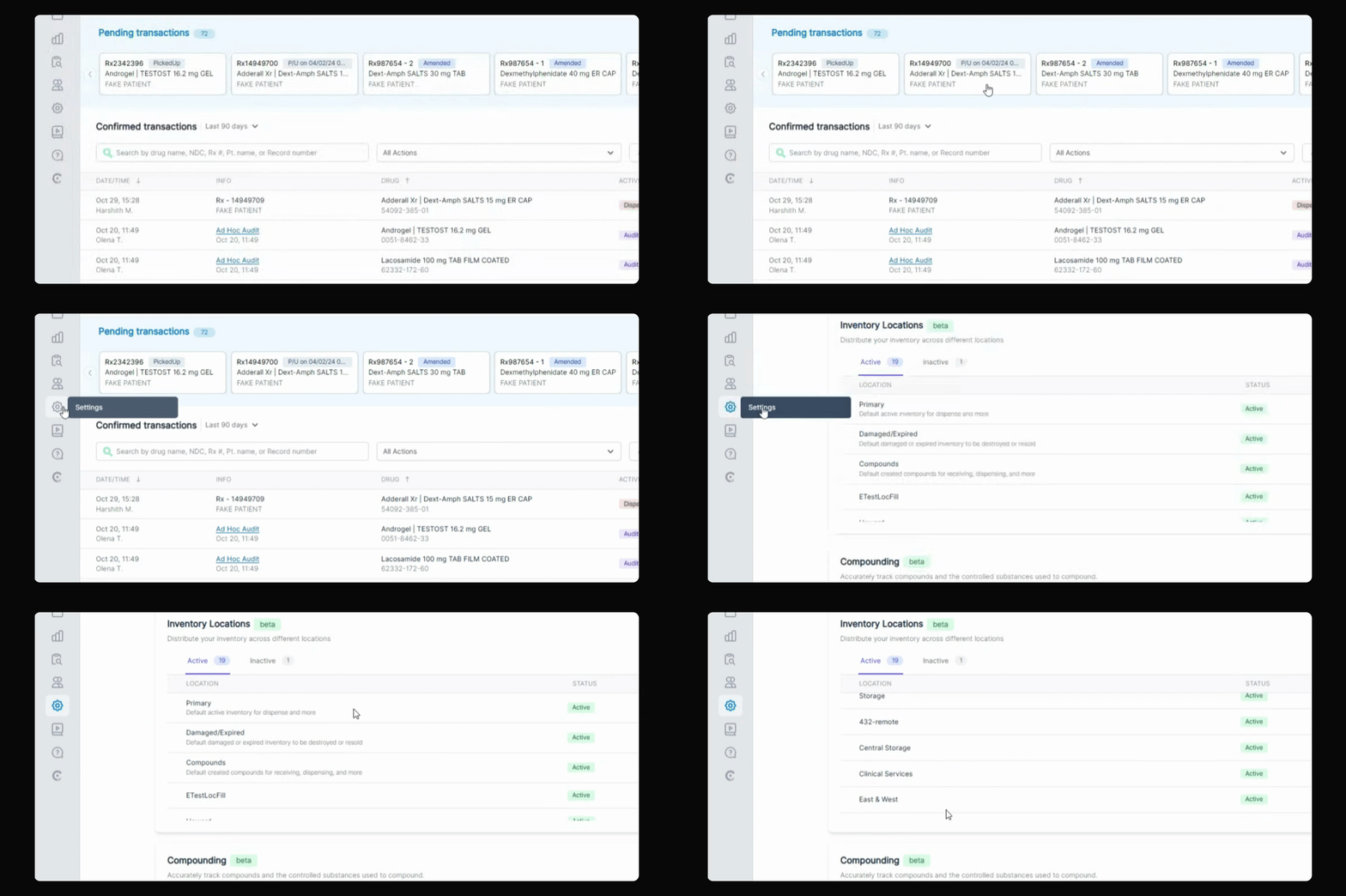
Step 1: Go to Settings
Navigate to your settings page.
Step 2: Find Audit Cadence Section
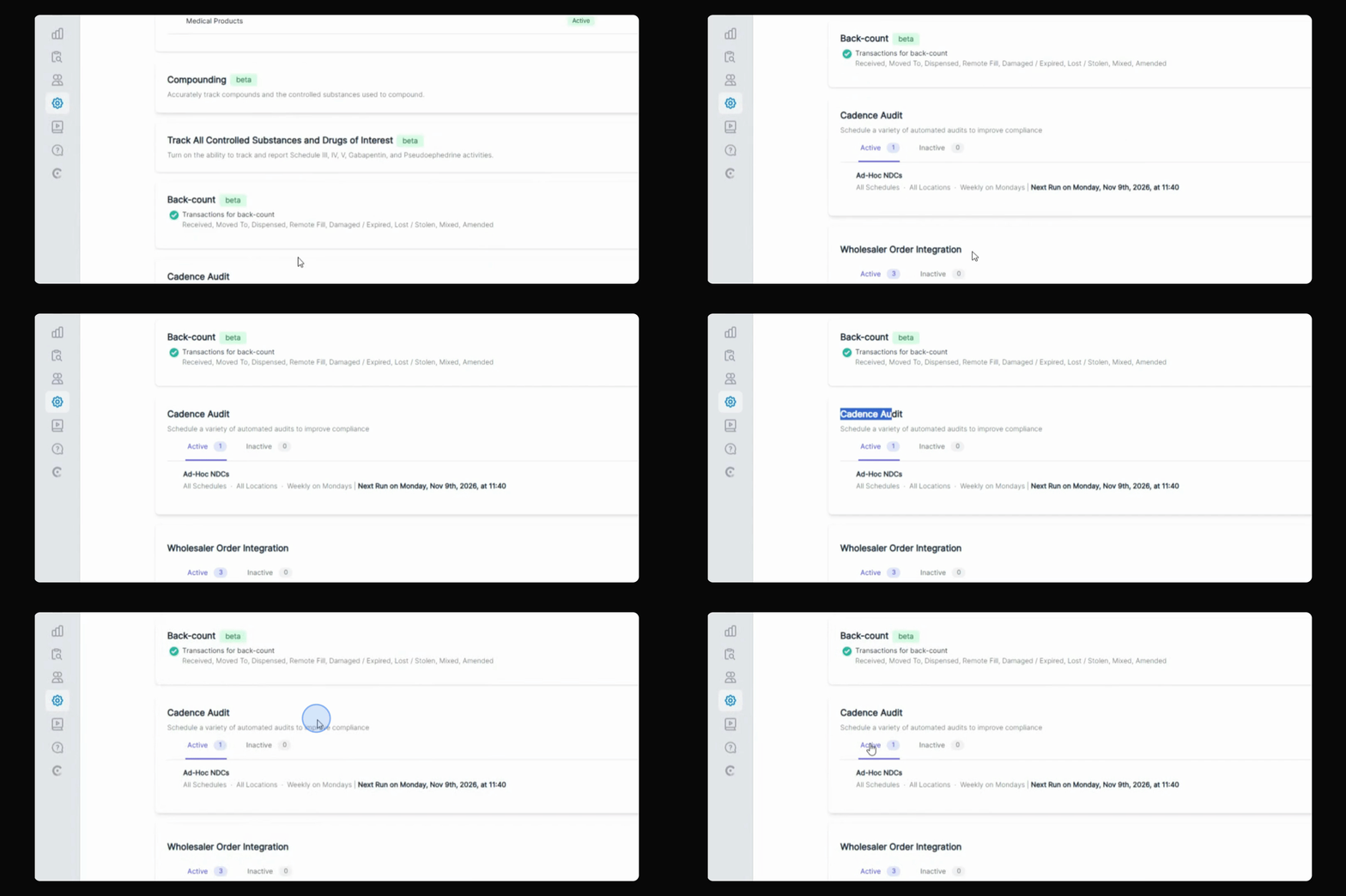
Scroll down to the section labeled Cadence Audit.
Step 3: Identify Active Cadences
Any active audit cadences will be displayed in this section.
Step 4: Set Cadence to Inactive
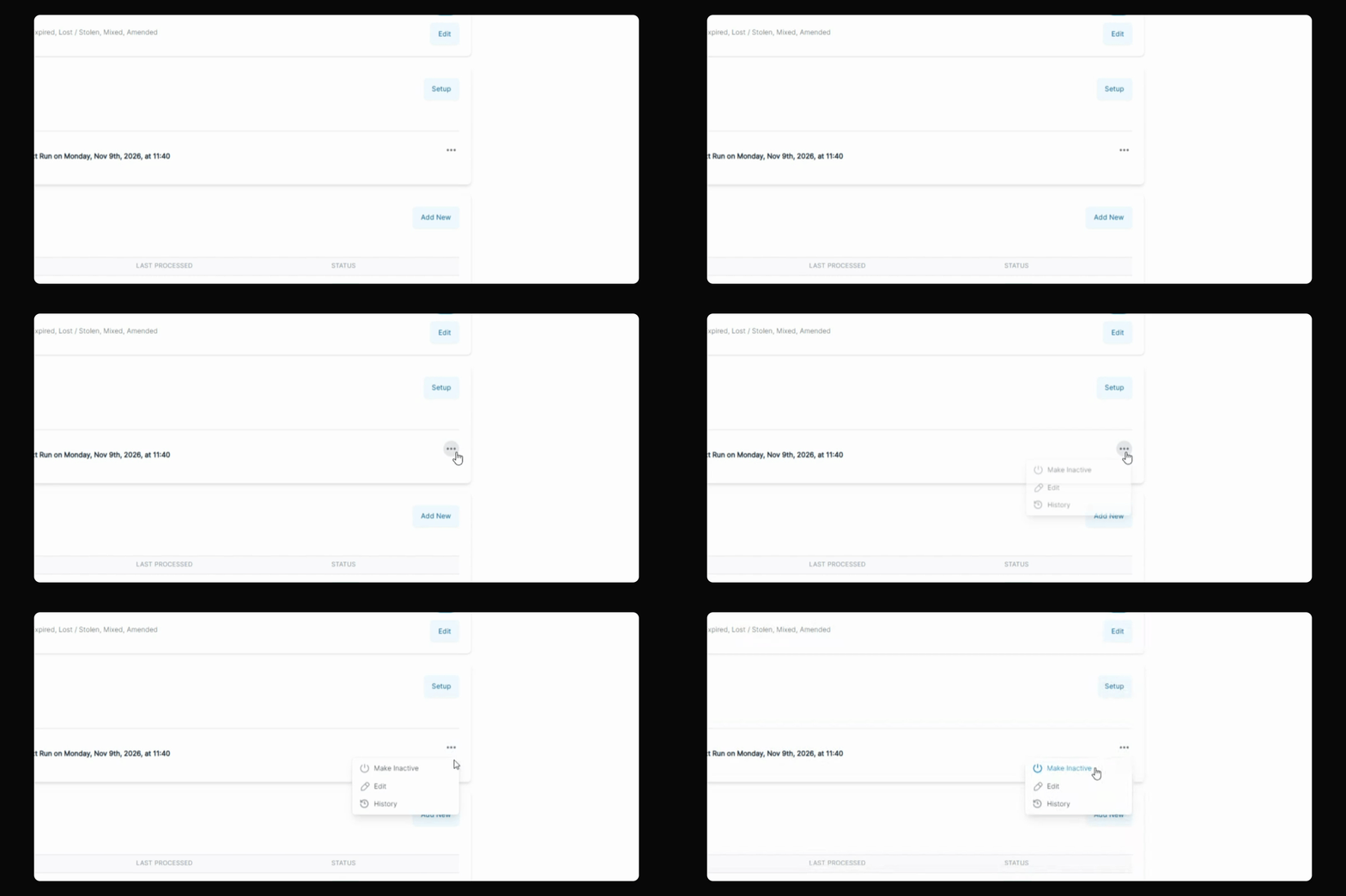
Click on the three dots next to the cadence you want to set to inactive and select Make Inactive.
Step 5: Enter PIN to Confirm
Enter your six digit PIN. This will move the selected audit cadence to the Inactive tab.